
Last Updated: September 2026
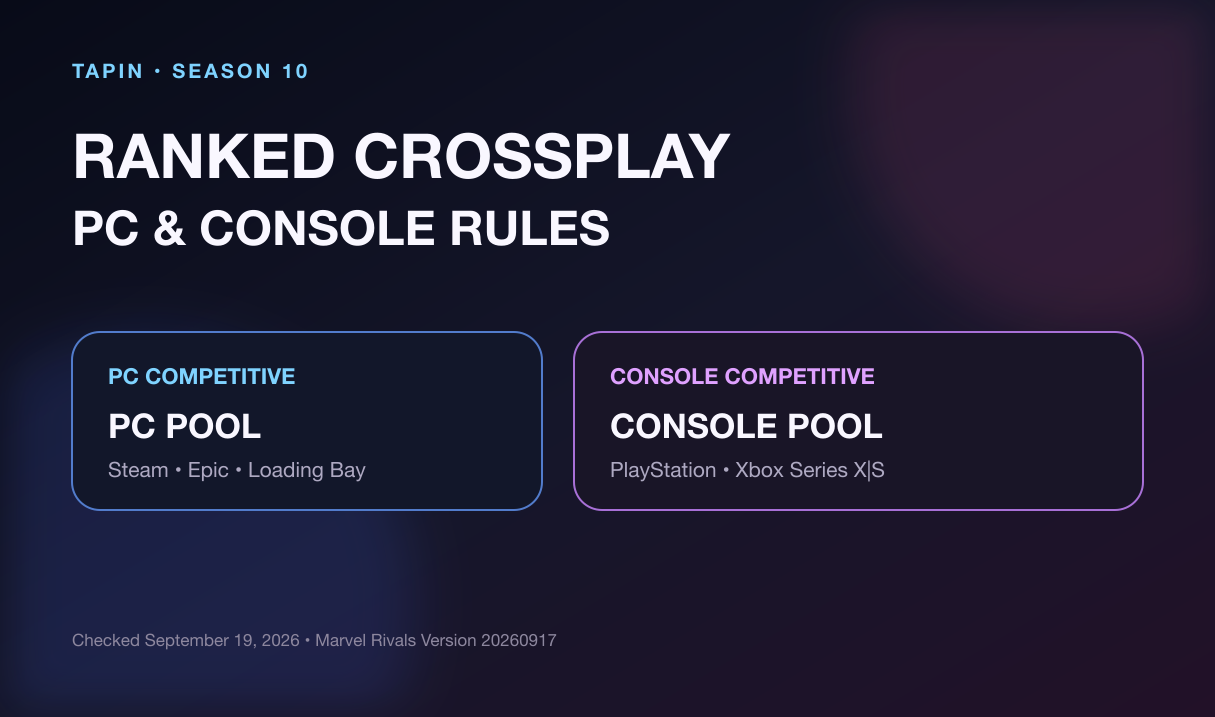
Marvel Rivals ranked crossplay has one hard line: PC and console players cannot enter Competitive together. PC has its own ranked pool, while PlayStation and Xbox players share the console pool.
That split does not block your whole friend list. Mixed PC-and-console parties can still play Quick Match and Custom Games, then carry the same calls and practice goals into separate ranked sessions.
⚡ Quick answer: PC players rank with PC players. PlayStation and Xbox players can rank together. A PC player and a console player cannot join the same Competitive party, even when their visible ranks are compatible.
Marvel Rivals is currently on Season 10: Butcher's Blasphemy. The live client is Version 20260917; the September 17 patch notes did not announce a crossplay matchmaking change.
Table of Contents
- How Marvel Rivals ranked crossplay works
- Can PC and console play Competitive together?
- Which consoles can rank together?
- What mixed-platform friends can play
- Crossplay vs. cross-progression
- How to find the right ranked teammate
- FAQ
How Marvel Rivals Ranked Crossplay Works
Competitive matchmaking uses two hardware families rather than one all-platform pool.
| Your platform | Competitive pool | Can rank with PC? | Can rank with console? |
|---|---|---|---|
| Steam, Epic, Loading Bay / Windows | PC | Yes | No |
| PlayStation 4 or PlayStation 5 | Console | No | Yes |
| Xbox Series X|S | Console | No | Yes |
NetEase described the core rule in its official cross-platform test FAQ: Competitive does not match PC users with console users. Current 2026 crossplay testing still finds the same split, with PC isolated from a combined console ranked pool.
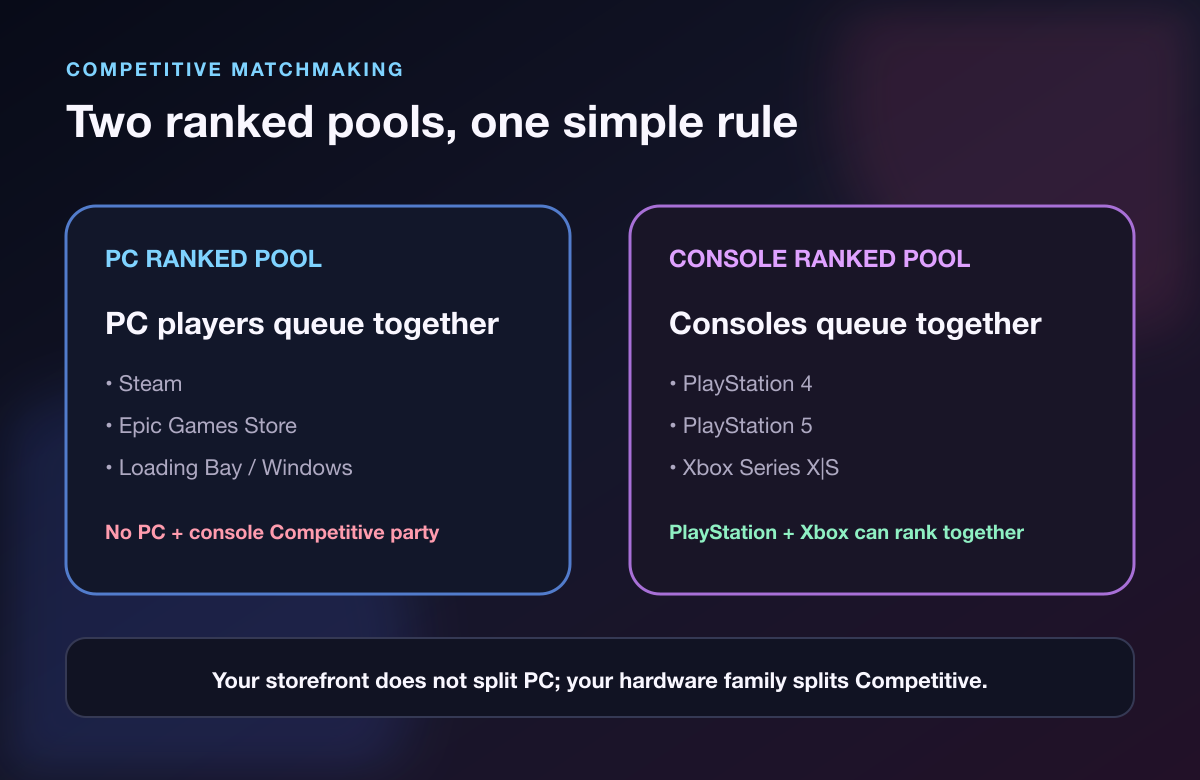
Your PC storefront does not create another division. A Steam player and an Epic Games Store player are both in the PC family, so they can party for Competitive if the normal rank and group restrictions allow it.
The same logic applies on console. The official PlayStation 4 release notice confirms PS4 support, and PlayStation players share the console side of cross-platform matchmaking with Xbox Series X|S.
Can PC and Console Play Marvel Rivals Ranked Together?
No. A mixed PC-and-console party cannot queue for Competitive.
This is not a hidden setting, a party-leader trick, or something fixed by switching the console crossplay toggle. If one member is on PC and another is on PlayStation or Xbox, the group must choose a mode that supports the mixed platform pool.
That distinction matters before you recruit a duo. Matching rank, region, role, and schedule is not enough if one player is on PC and the other is on console. Platform is the first filter because it decides whether the Competitive button works at all.
⚠️ Watch Out: Do not confuse a Windows storefront with Xbox hardware. Playing through an Xbox-branded Windows app still makes you a PC player for matchmaking; the device running the game is what matters.
If you are still completing your first ranked set, platform rules sit on top of the placement rules. Our Marvel Rivals placement matches guide explains the current 10-game system and its separate party limits.
Which Consoles Can Play Ranked Together?
PlayStation and Xbox players can share the console Competitive pool. That means a PS5 player can build a ranked party with an Xbox Series X|S player; PlayStation 4 also sits on the console side.
The platform check is only the first gate. Your party still has to satisfy the live rank-gap and group-size rules shown in the Competitive panel. A valid PlayStation-plus-Xbox pairing can still be rejected if the ranks are too far apart or a high-rank restriction applies.
Use this order before the session:
- Confirm everyone is on a console platform.
- Compare exact divisions, not just badge colors.
- Check the current party-size restriction for the highest-ranked player.
- Pick a server region that keeps the whole group playable.
- Enter with one role plan and one backup hero each.
If hero select keeps turning into an argument, the Marvel Rivals role queue explainer covers the open-selection system and a simple way to divide responsibilities before queueing.
What Can PC and Console Friends Play Together?
Mixed-platform friends can use casual and custom modes. That is enough to practice target calls, ultimate timing, peel routes, and hero pairings together—even though the final Competitive climb happens in separate pools.
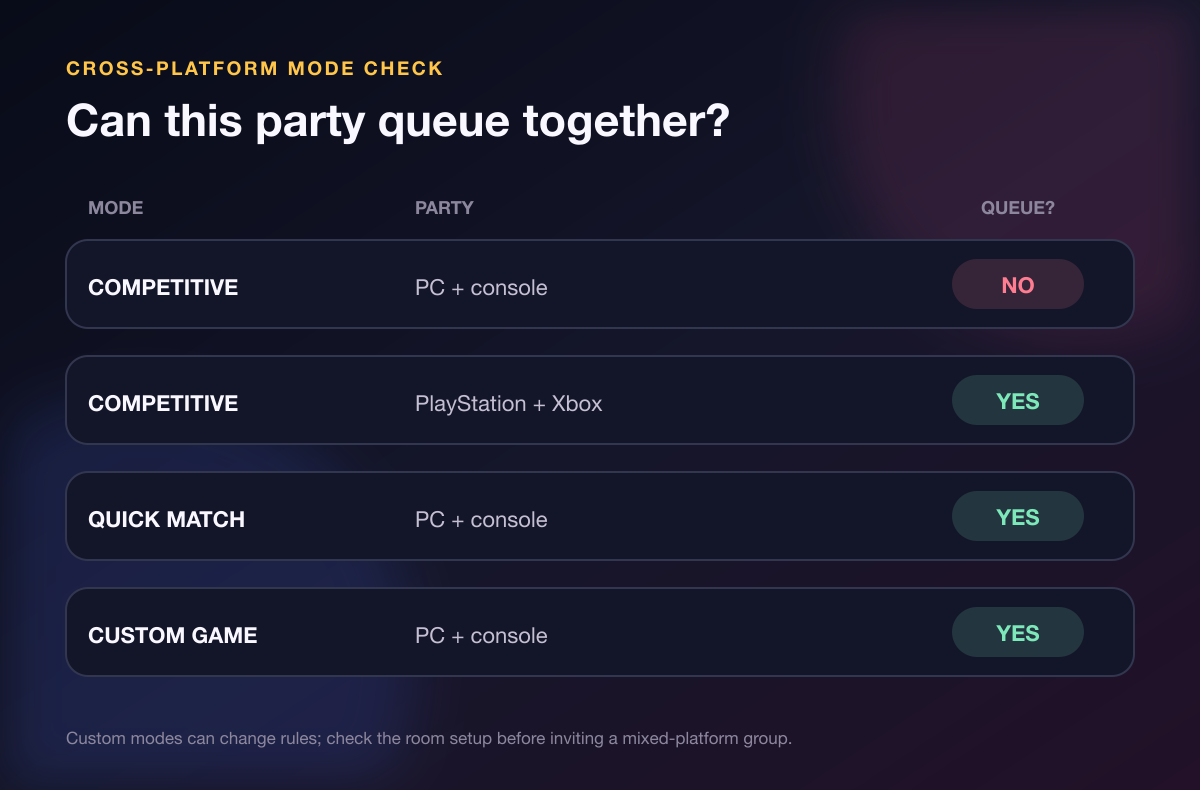
Quick Match is the easiest live test. Keep the session focused: choose one map habit or communication rule, then play three games without rebuilding the plan after every loss.
Custom Games give you more control. Use them to review sightlines, test a Team-Up, rehearse an ultimate sequence, or run a short scrim with friends across platforms. Room settings can vary, so check the configuration before treating a result like a standard match.
I believe this is the cleanest answer for a mixed-platform friend group: practice together on purpose, then split for ranked without changing the language you built. “Target left,” “back out,” and “hold two ults” work in both pools.
Crossplay and Cross-Progression Are Different
Crossplay decides who can enter a match together. Cross-progression decides which character, cosmetics, and account progress you can use after linking platforms.
NetEase's official cross-progression Q&A explains how linked platform accounts can use one selected primary character. That account feature does not merge the PC and console Competitive matchmaking pools.
Switching from console to PC therefore changes the ranked pool you enter, even when account linking lets you keep using the same primary character. Check the Career screen on the active platform instead of assuming every platform-specific ranked record will look identical.
Build a Ranked Party That Can Actually Queue
Start with platform, then solve the human fit.
- Platform: PC or console—the non-negotiable ranked pool.
- Region: close enough for stable latency and matching play hours.
- Rank: inside the current division limit.
- Role: a real composition fit, not six people hoping someone swaps.
- Comms: voice, text, or pings agreed before the first fight.
- Goal: placements, Gold reward, steady climb, or practice block.
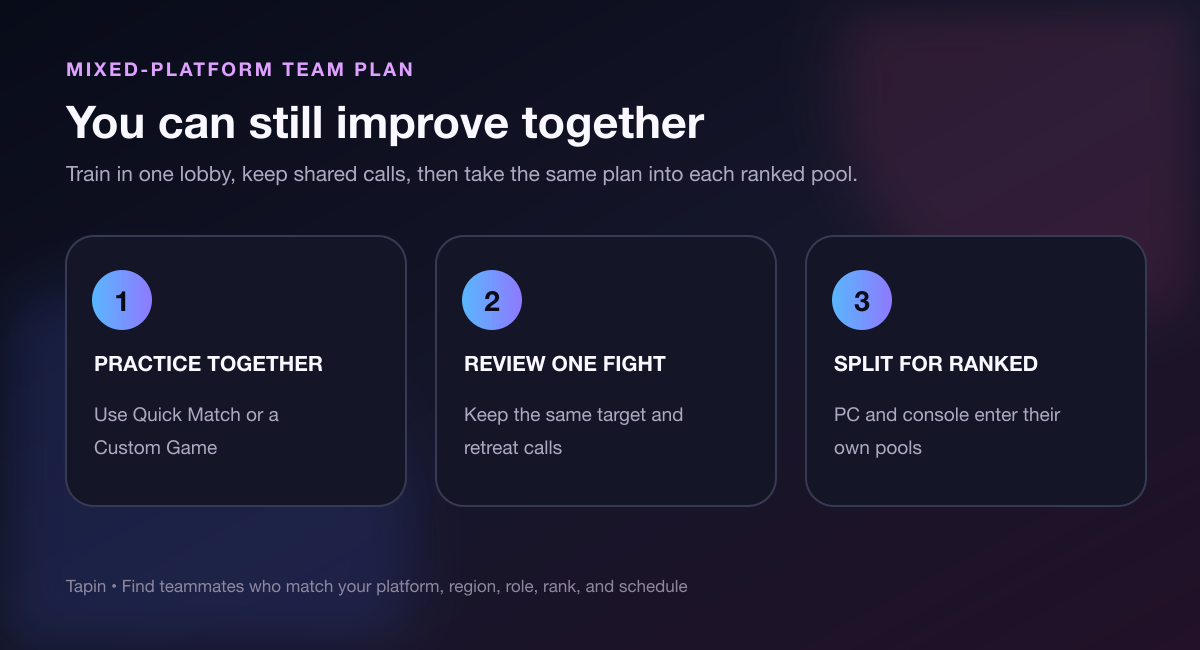
If your current friend group cannot enter the same ranked pool, find a Marvel Rivals teammate on Tapin and filter for the platform, rank, role, region, and schedule you actually need. You are not replacing your friends; you are filling the queue-specific gap.
Players chasing the current cosmetic track should also check the Season 10 ranked rewards and deadline guide. Platform compatibility gets the party into queue, but the reward panel decides whether the grind is complete.
Marvel Rivals Ranked Crossplay FAQ
Can PC and PS5 players play Marvel Rivals Competitive together?
No. PC and PlayStation players can party in supported casual or custom modes, but they cannot enter Competitive together. PC uses the PC ranked pool; PS5 uses the console ranked pool.
Can PS5 and Xbox players play ranked together?
Yes. PlayStation and Xbox Series X|S share the console Competitive pool. The party must still meet the live rank-gap and group-size restrictions.
Can Steam and Epic players rank together?
Yes. Both are PC storefronts, so both players enter the same PC Competitive pool. The storefront is not a separate ranked platform family.
Does cross-progression unlock PC-console ranked crossplay?
No. Account linking and cross-progression affect which primary character and progression you can access. They do not merge PC and console Competitive matchmaking.
What should mixed-platform friends play together?
Use Quick Match for normal live games and Custom Games for controlled practice. Build the same calls and role plan together, then take that plan into separate PC and console ranked queues.
Check the Platform Before You Build the Party
Marvel Rivals ranked crossplay is simple once you separate Competitive from casual play: PC ranks with PC; consoles rank with consoles. Mixed-platform friends can still practice together, but they need same-pool teammates for the actual climb.
Filter for platform first. Then find the teammate whose rank, role, region, and schedule make the session worth queueing.